As a busy agent, you’ve got a never-ending list of people to call during the day. Buyers and tenants, sellers and landlords, surveyors and solicitors, new prospects, long-time clients, and missed calls or voicemails.
That task doesn’t get any easier when you have to scroll through your CRM files each time to jot down the number. And few things beat the frustration of landing on the wrong number and realising the ‘one’ was a ‘seven’, or it was Mr. Philips not Phillips.
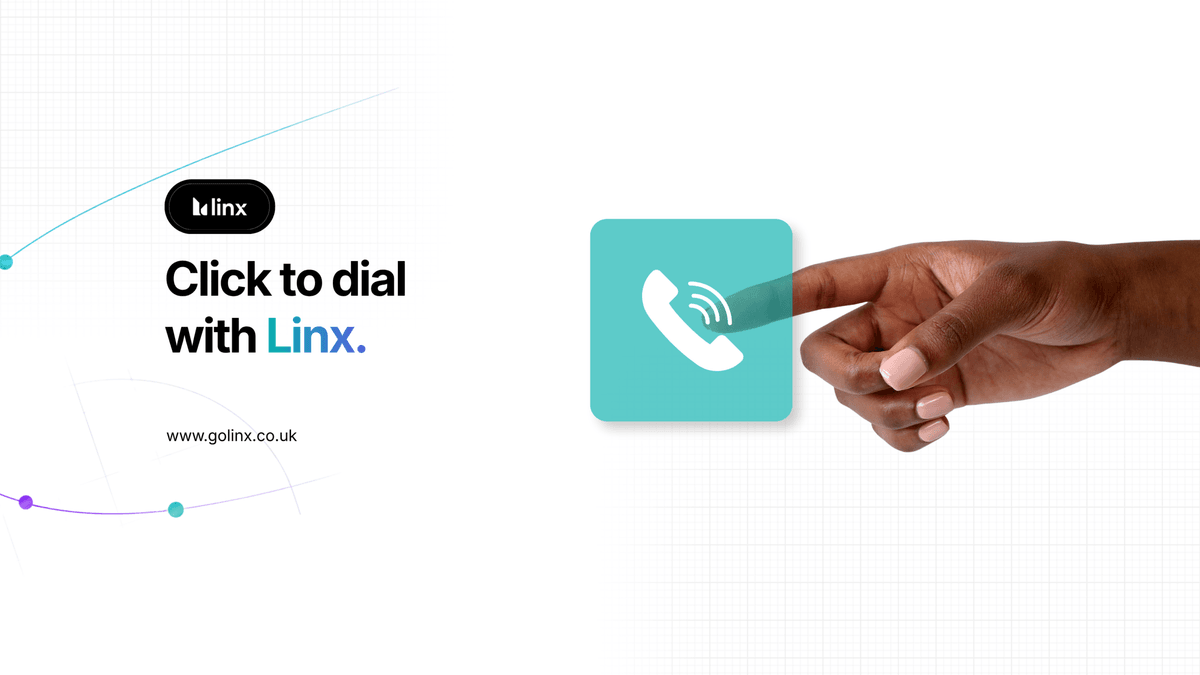
Linx AI phone system click-to-dial calling solves the problem, allowing you to call out directly from the customer or property records. No dialing required.
What is Click-to-Dial Calling?
Every customer number you have stored in the CRM, landline or mobile, can be called directly from the dashboard. Just click the button.
How does Click-to-Dial Calling work?
Linx AI stores the number for every customer in the dashboard. Instead of switching between screen and keypad, you can dial directly from the call icon next to the client’s listing. For incoming calls, it even displays the quick-reference records, including property details and call history, on the Smart Caller Pop-Up.
What are the benefits of Click-to-Dial Calling?
Make light work of a long call list by working from a single dashboard view. You’re saving seconds on every call, which can add up to hours over the course of a week.
It’s practically hands-free calling. Instead of reaching for a pen, notepad and keypad, you can dial in one click and speak with your client.
With no digits to dial and numbers to read, errors are eliminated. If it’s the right number in your CRM, you’re getting through to the right person every time.
Tackle your missed call list with a purpose. Line busy? Onto the next. Linx updates the status of each callback task automatically so you don’t have to keep track of who’s waiting.
Save time across teams. If you take a call that needs follow up by another agent, Linx creates a next step, tags your colleague, and gives them the number to call and the button to do it.
How estate agents are using Click-to-Dial Calling
“The click to dial I have to say I am absolutely loving. That ability to just click on a number within a record, not just within Alto but also within other databases that we use, it’s super easy.”
Kristjan Byfield, Base Properties.
We built the features estate agents asked for when designing the Linx AI phone system. But it’s our customers who drive innovation every time they find a new way to use each feature. That’s why we’re always updating existing features and launching new ones.
Tell us what you’d like to see and watch how quickly we deliver the upgrade.
Want to see Click-to-Dial Calling and similar features in action?